With the TapTags app
Set up on iPhone.
Get the TapTags app
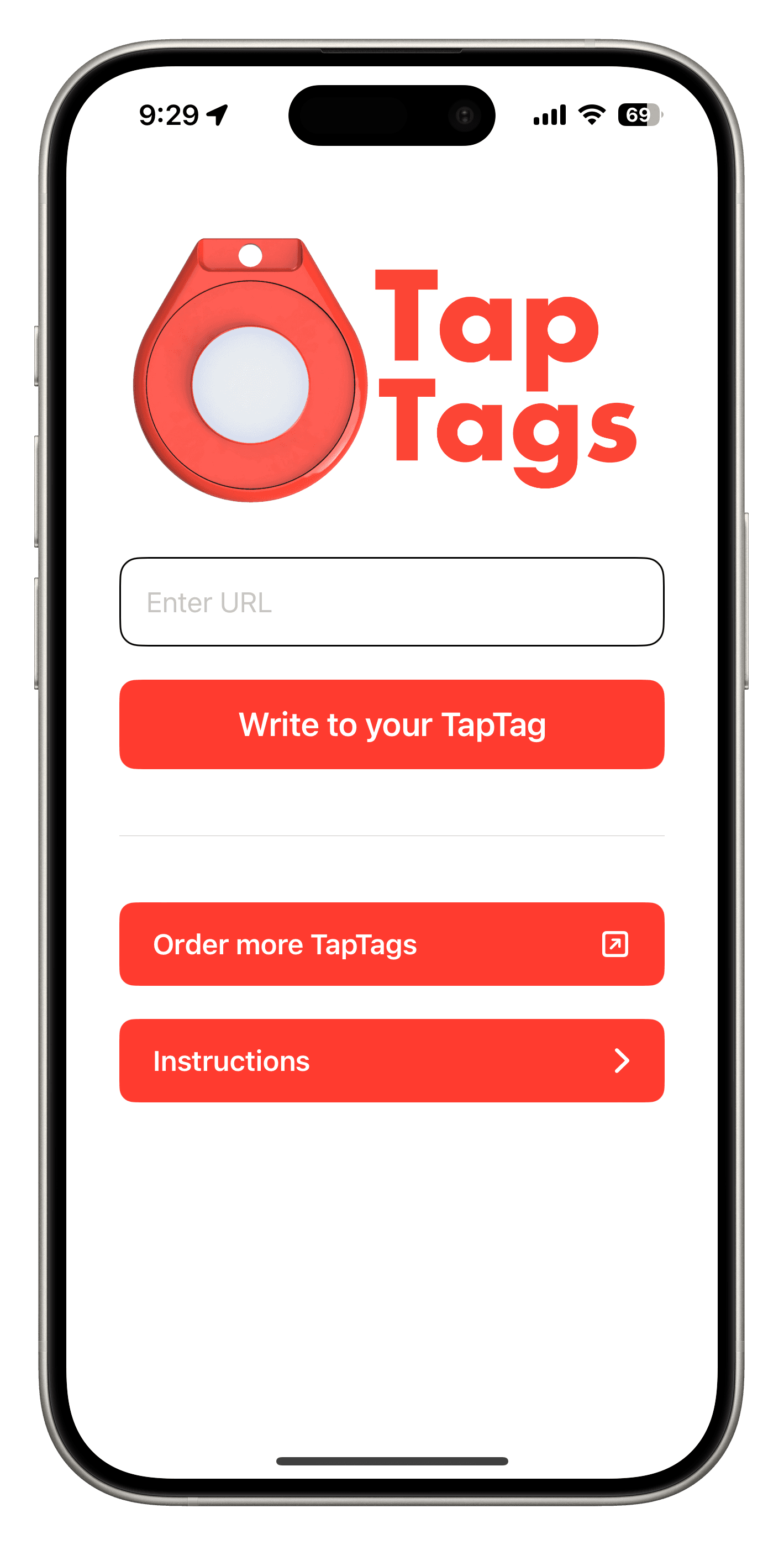
Install the app on your NFC-enabled iPhone, then open it to get started.

Copy and paste your link
Copy your full profile or website link, including https://, and paste it into the app’s URL field. Need help finding your link?
Write, then hold near the top
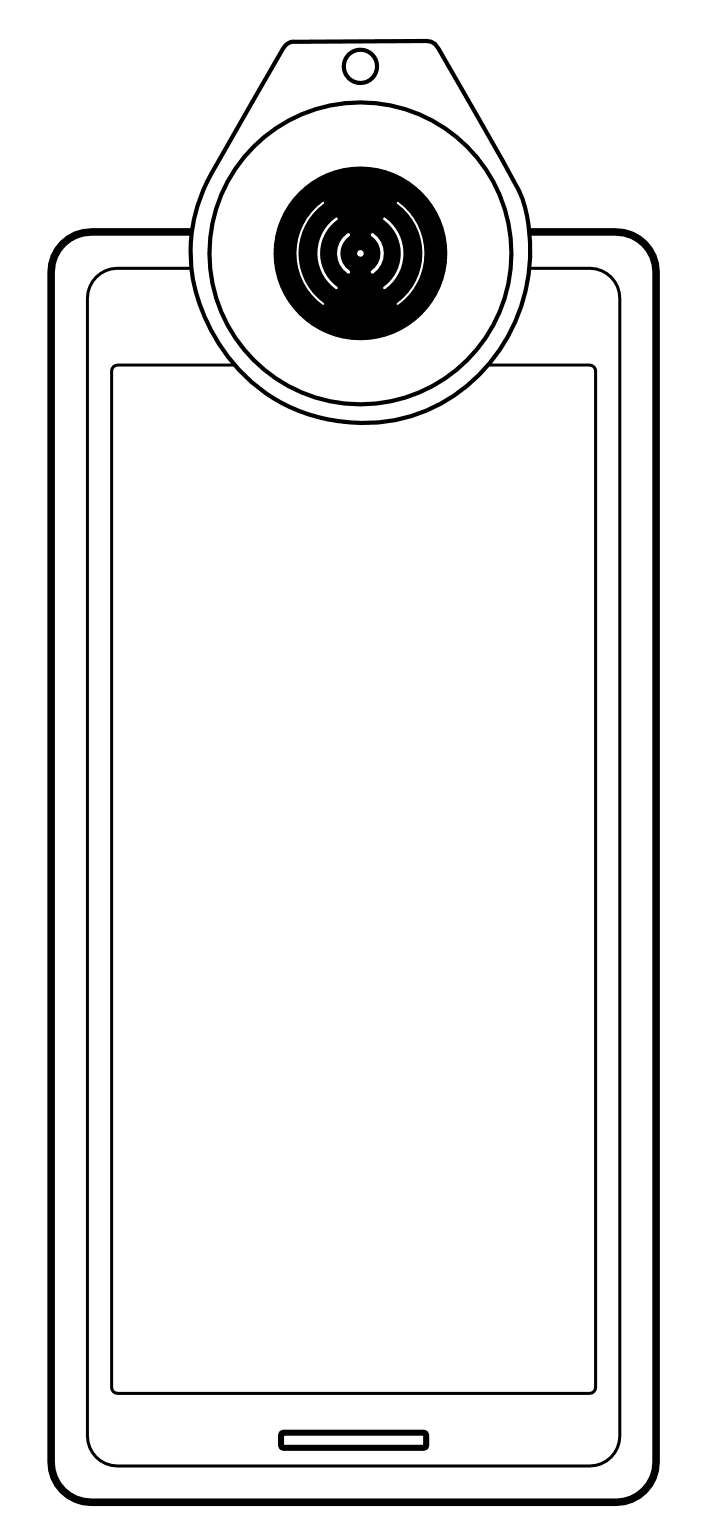
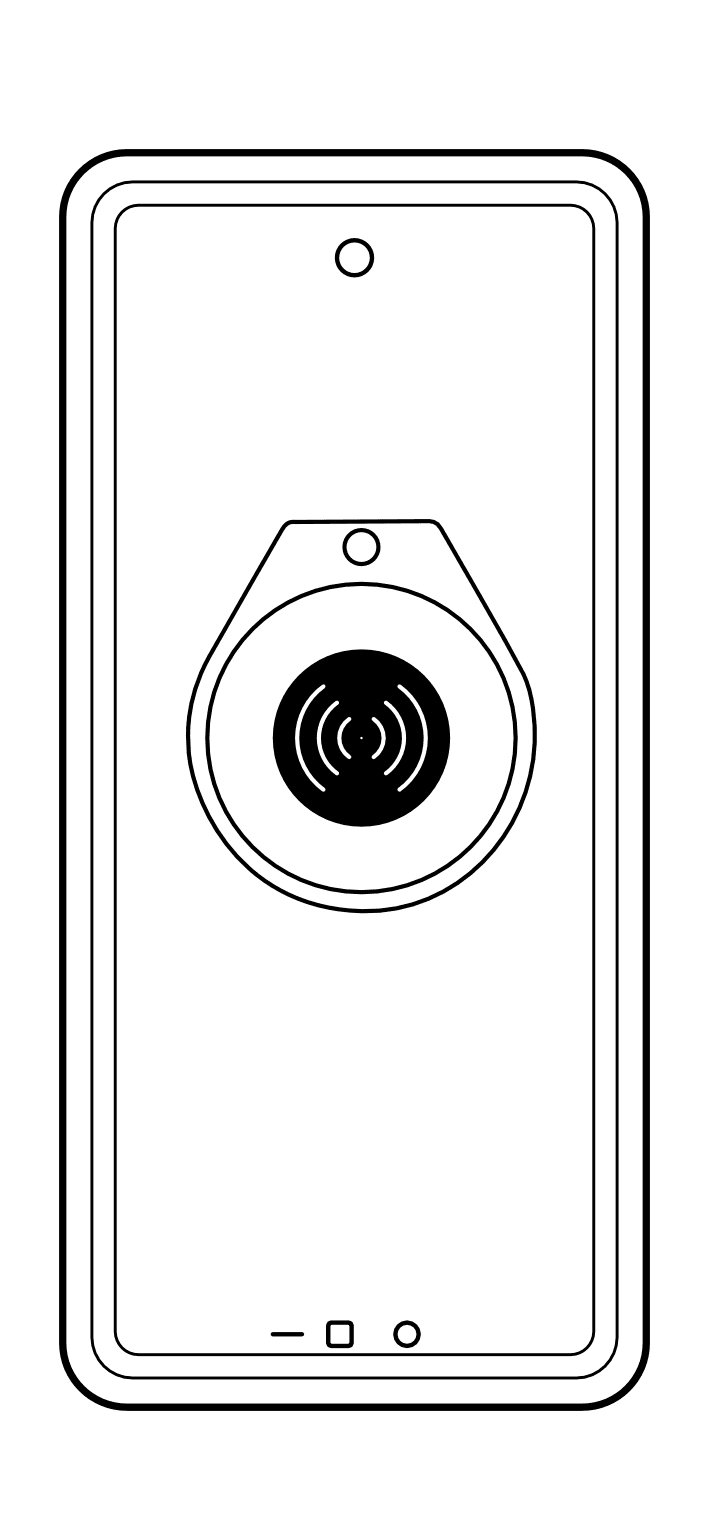
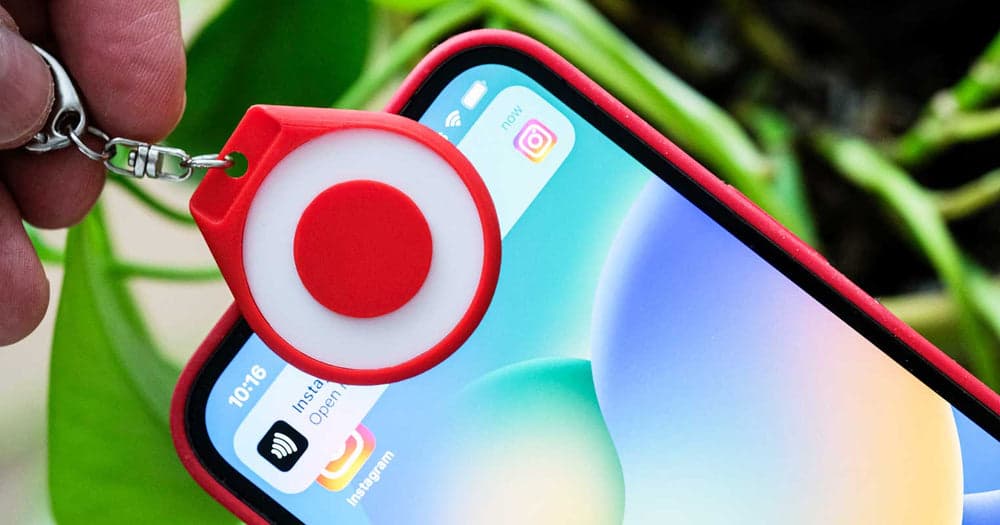
Tap the app’s write button and follow the scan prompt. Hold your TapTag near the top edge of your iPhone until the app confirms it’s written. See where to hold it.